

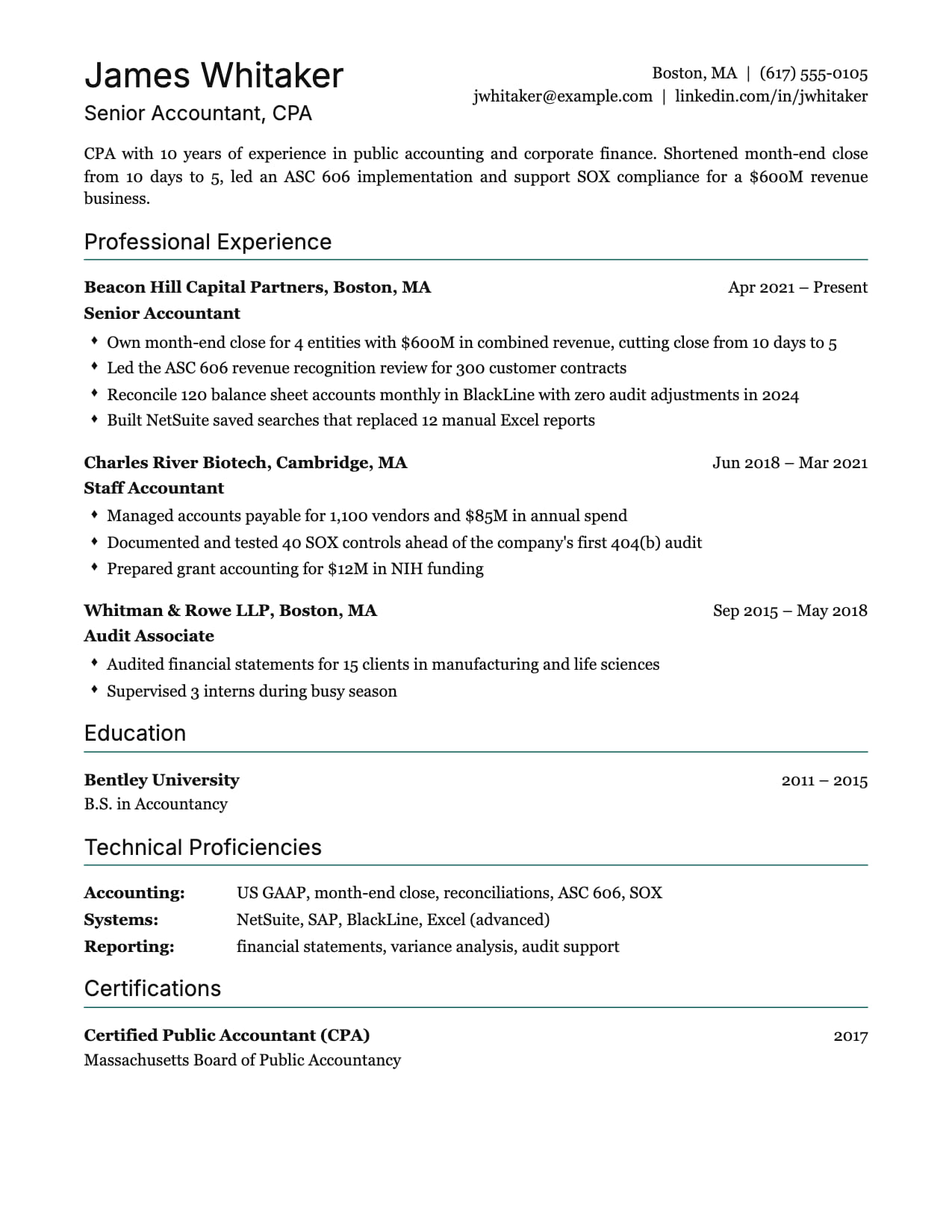
Sterling ATS Resume Template
Serif body, sans headings, a skills table. The plainest layout that still looks deliberate.
No credit card · All templates free · Switch templates any time
About this template
Sterling is the resume you send when the only reader for the first round is software. Single column, standard headings, black text, a 1.5px rule under each section: nothing for a parser to misread. It is the template CVEdge recommends for large-company portals and government applications.
The distinctive touch is the Technical Proficiencies table: each skills category becomes a bold label with its tools listed beside it, so "Marketing Analysis" and "Tools" read as rows rather than a wall of comma-separated keywords. Parsers still see plain text; humans see structure.
Experience entries put company and location in bold on the first line, dates on the right and the role beneath, followed by diamond-marker bullets. The header pairs a sans-serif name with a serif body, and Sterling sets a Times-style body font, regular-weight headings and as-written heading case on pick so it matches the specialist resumes recruiters in finance and marketing expect.
Who is this template for?
- Applicants to large-company and government portals
- Marketing, finance and operations specialists
- Career changers who need every keyword to parse
- Anyone who has been rejected by an ATS before
Start with this template for free
Upload your existing resume or start from scratch. CVEdge pre-fills your content into the template and gives you an instant ATS score.
Why this template works for ats friendly
Sterling is the safest choice when software reads your resume first: large-company portals, government applications and any role that gets hundreds of applicants. It is a single column of black text with standard headings, so nothing is lost when a parser reads it. The Technical Proficiencies table gives your skills a clear structure for the human who reads it next, without adding any risk for the system.
Recommended section order
- 1Header: name, contact
- 2Summary
- 3Technical proficiencies
- 4Experience
- 5Education
- 6Certifications
Placing the skills table near the top puts your keywords where both a parser and a skimming recruiter find them first. If you have more than ten years of experience, move Experience above the table so your most recent role leads.
What to put where
Technical proficiencies
Three to five rows, each a clear category such as 'Analysis', 'Tools' or 'Languages', with four to eight items. Use the exact terms from the job postings you are targeting.
Summary
Two or three lines with your title, years of experience and the area you specialize in. Include one or two keywords from the posting, written naturally.
Experience
Company and location on the first line, the role below. Every bullet should start with a verb and end with a result. Portals rank on keywords, but a person still makes the call.
Certifications
Full name plus the common abbreviation, for example 'Project Management Professional (PMP)'. Parsers may search for either form.
Common mistakes with this template
- Putting skills in a table you made in Word before uploading. Sterling's table is plain text underneath. A real table in a document can scramble the parse.
- Stuffing the proficiencies table with every keyword from the posting. Recruiters notice, and so will the interviewer who asks about them.
- Changing the heading names to something creative. 'Experience' and 'Education' are what parsers look for.
- Exporting a scanned or image-based PDF. Always download straight from the editor so the text stays selectable.
When to choose something else
Senior candidates applying through recruiters, where a human reads the PDF first will usually be better served by the Regent layout.
Questions about this template
Is the skills table safe for ATS?+
Yes. It is laid out with CSS, not an HTML table, and the exported PDF contains each row as plain text: the label followed by the skills. Parsers read it in order.
Why does Sterling change my font?+
Sterling's identity is a serif body with a sans name and headings. When you pick it, CVEdge sets that pairing as the default. You can change the body font in the Design tab at any time.
What is the best resume format for government jobs?+
A single-column, reverse-chronological resume with standard headings, like Sterling. Government portals often parse strictly and screen on keywords from the job announcement. Some agencies, such as US federal jobs, also expect more detail: hours per week, supervisor names and a fuller description of duties. Check the announcement and add what it asks for.
Do ATS systems read serif fonts?+
Yes. Parsers read the text itself, not the font's shape, so a serif body is as safe as a sans-serif one. What causes problems is text inside images, headers or footers and complex tables, none of which Sterling uses.
Template features
- Single column with no tables in the parse path
- Skills rendered as label and value rows
- Heavy rule under each heading for scanning
- Diamond bullets by default
- Serif body with sans headings applied on pick
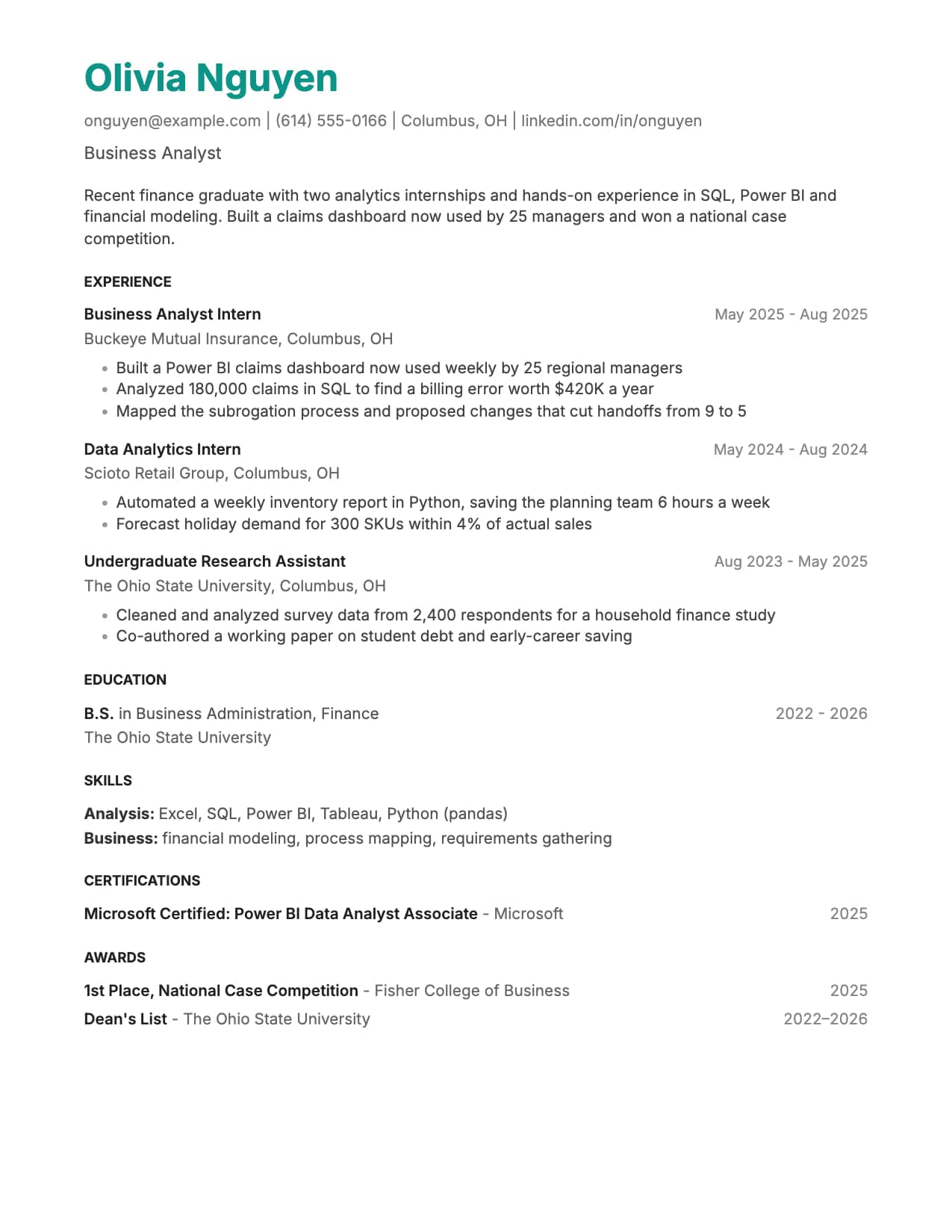
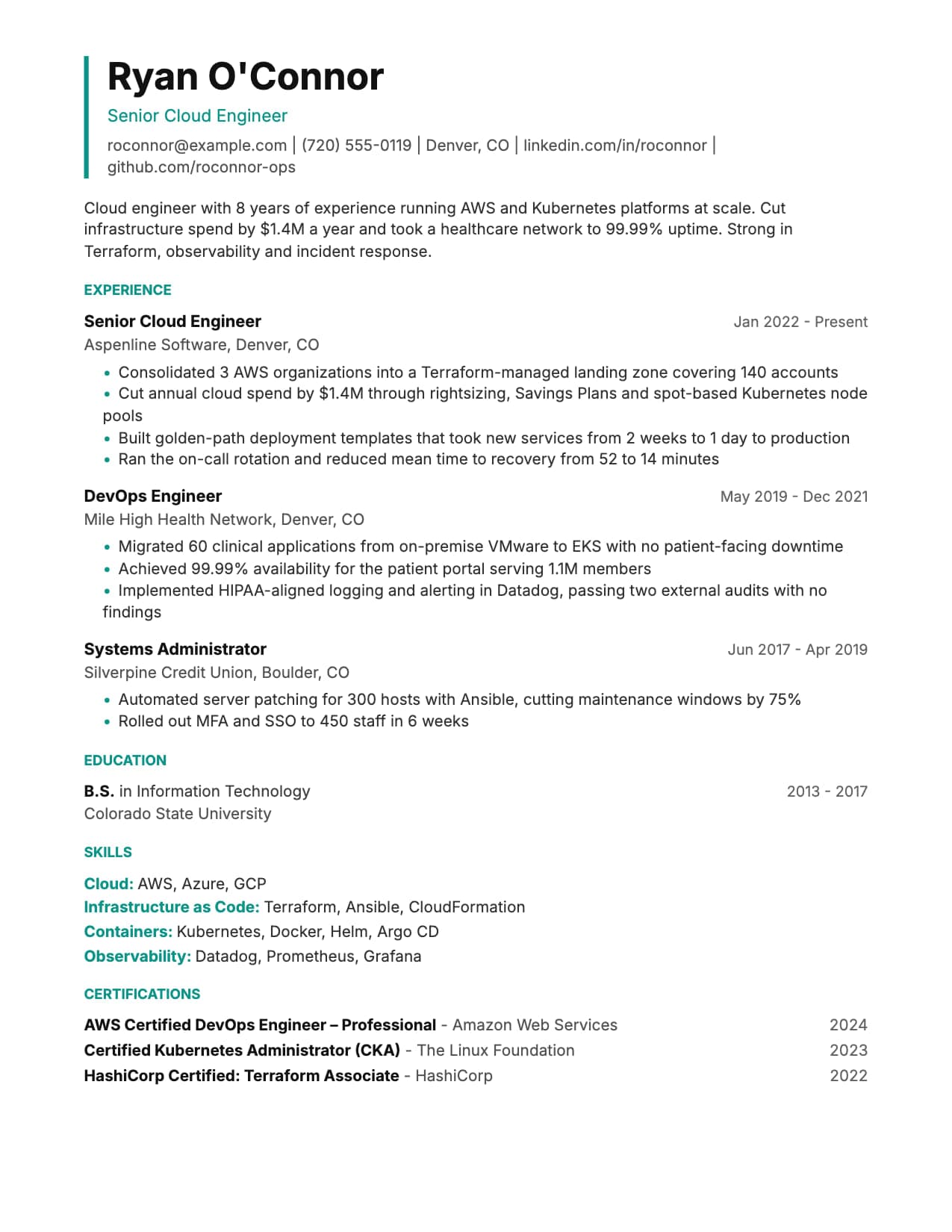
More ats friendly templates
View all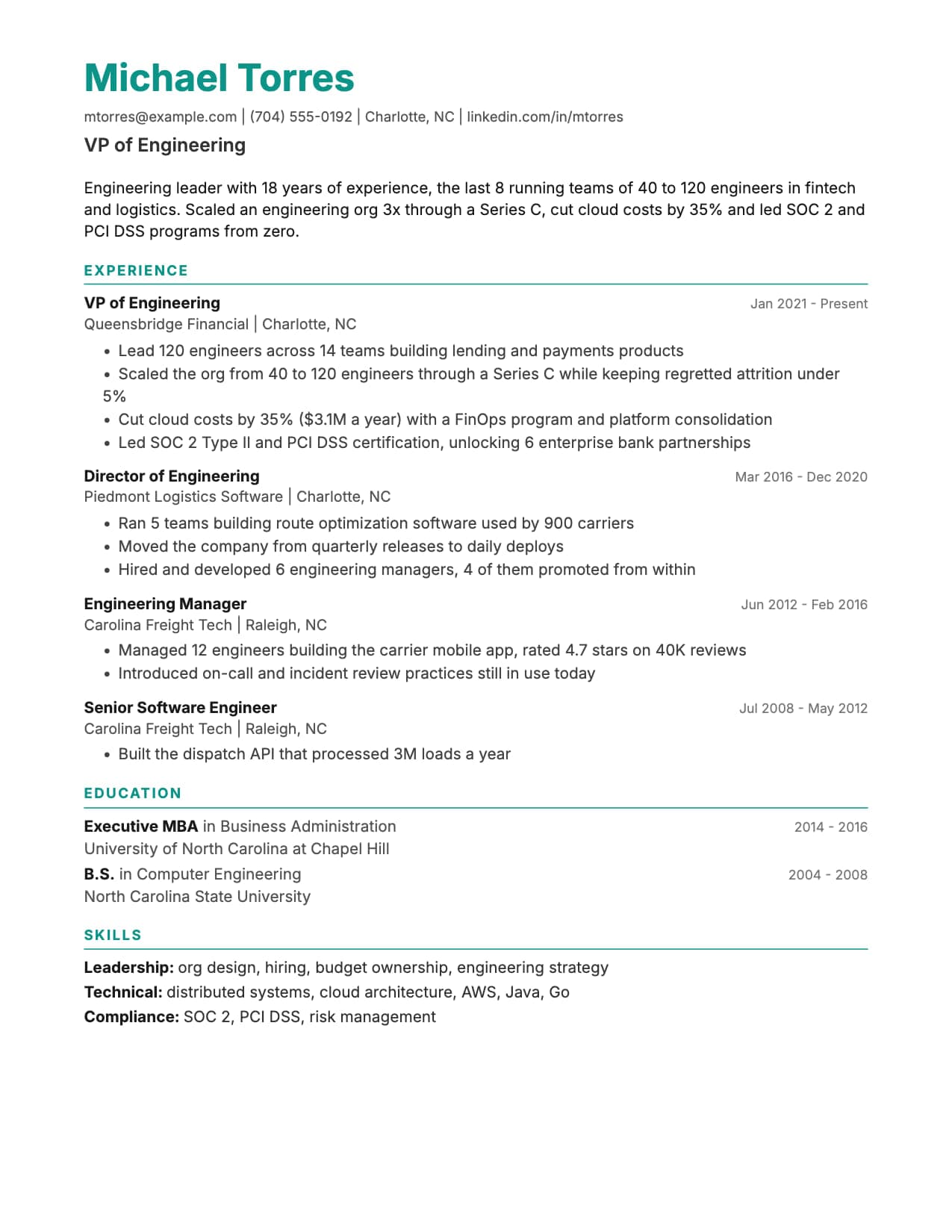
Build your resume with Sterling for free
Upload your existing resume or start fresh. ATS score included. No credit card required.