

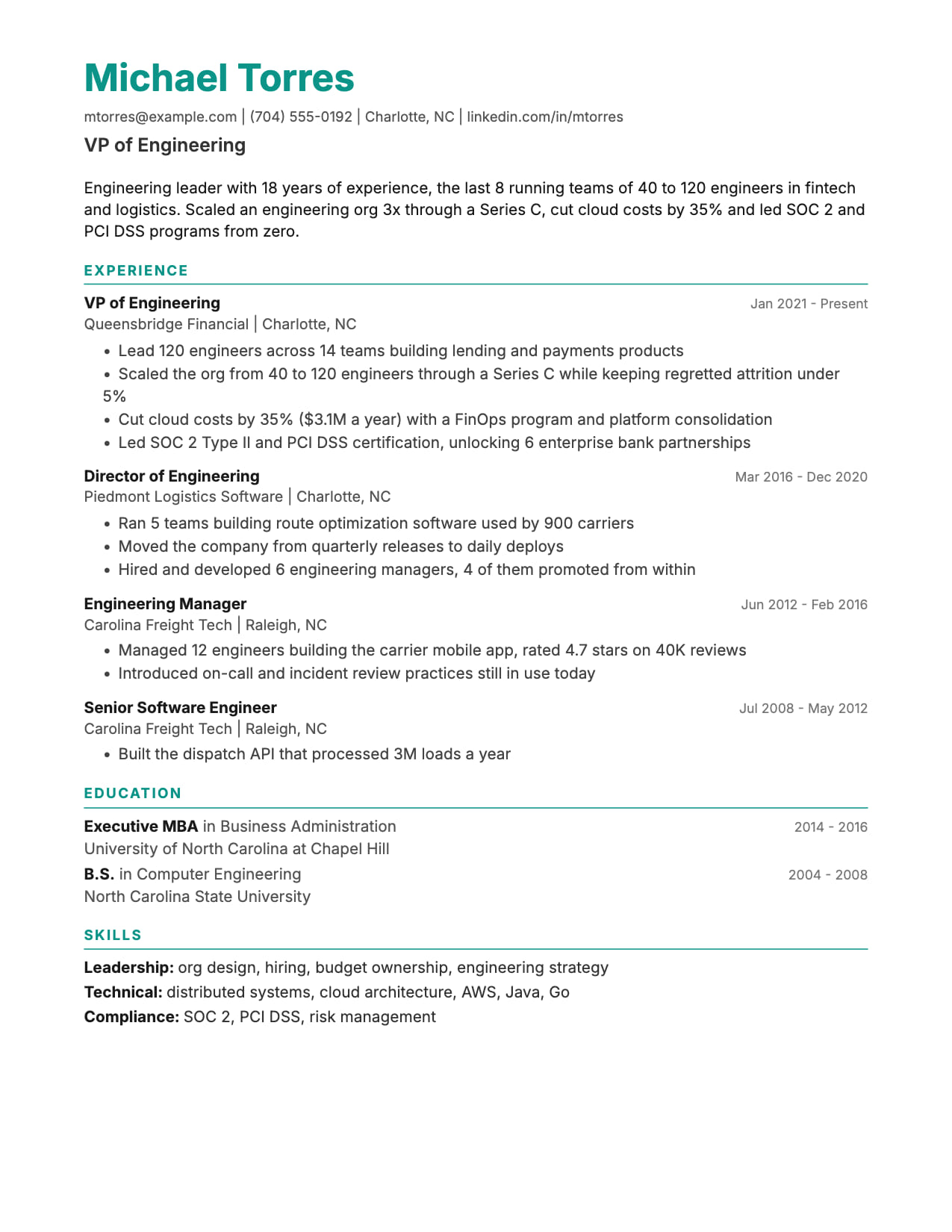
Classic ATS Resume Template
Scores 95+ on every major ATS. The most battle-tested format on CVEdge.
No credit card · No watermarks · Switch templates any time
About this template
Classic is CVEdge's top-scored template on every ATS system we've tested. Single column, standard heading names (Experience, Education, Skills), Geist Sans font at 10–11pt, no graphics, no tables: the format that every ATS parser was built to read.
When you upload a Classic resume to Greenhouse, it parses perfectly: every field populates in the candidate profile exactly as written. No truncation, no garbled bullet points, no missing dates. This matters because ATS data quality affects recruiter review. A garbled parse means your strongest bullet might appear broken in the recruiter's system.
Classic achieves 95–97 ATS scores on CVEdge for well-written content. The ceiling is content quality, not format quality, which is exactly what it should be.
For applications where ATS safety is the priority (large corporations, regulated industries, government roles, NHS, civil service), Classic is the only template you should consider.
Who is this template for?
- Anyone applying via online job portals (Greenhouse, Workday, Lever)
- Professionals targeting large corporations and regulated industries
- Government, NHS, and civil service applicants
- Anyone who wants zero format-related rejections
Start with this template for free
Upload your existing resume or start from scratch. CVEdge pre-fills your content into the template and gives you an instant ATS score.
Why this template works for ats friendly
Classic is the general-purpose ATS-safe layout: single column, standard headings, generous spacing, and Experience placed immediately after the header. Where Harvard follows an academic convention, Classic follows a corporate one. It puts your current role first and gives bullets room to breathe. If you want one template that works for almost any professional application, this is it.
Recommended section order
- 1Contact
- 2Summary
- 3Experience
- 4Skills
- 5Education
- 6Certifications
Experience-first is correct for anyone with professional history. The summary earns its place only if it states your specialization, level and strongest result in three or four sentences. A generic ambition statement here wastes the most valuable space on the page.
What to put where
Summary
Three or four sentences naming what you specialize in, at what level, and the single result you most want read. This block is scanned before anything else, so it should contain your strongest keywords naturally.
Experience
Three to five bullets for the current role, fewer as you go back. Classic's spacing rewards concise bullets. Anything running past two lines loses the scanning advantage the layout gives you.
Skills
Group by category rather than listing thirty items in a row. Grouped lists are easier for a human to scan and parse identically for the ATS.
Education
Below Experience once you are a few years in. Degree, institution, year. No coursework, no modules.
Common mistakes with this template
- Shrinking margins and font size to force a second page onto one. Classic's whitespace is doing scanning work, and compressing it makes the page harder to read without adding information.
- Writing a summary that describes what you want rather than what you have done.
- Using the clean layout as an excuse for unmeasured bullets. A tidy page of duties still reads as a page of duties.
- Adding section dividers or icons, which reintroduces parsing risk for no gain.
When to choose something else
Senior leaders who need a board-level presence, or anyone with 15+ years to compress will usually be better served by the Executive layout.
Questions about this template
Which ATS systems does the Classic template work with?+
Classic passes all major ATS systems: Greenhouse, Workday, Lever, iCIMS, Taleo, SmartRecruiters, Jobvite, BambooHR, and Recruiterbox. It follows universal ATS parsing conventions.
What ATS score does Classic template get on CVEdge?+
Classic consistently scores 95–97 on CVEdge's ATS analyzer for well-formatted content. The remaining 3–5 points come from content quality (metrics, keywords, bullet structure), not format.
What makes a template 'ATS-friendly' in practice?+
Four things: a single-column flow so reading order cannot be scrambled, standard section headings the parser recognizes, contact details in the body rather than a document header, and real selectable text rather than images or icons. Classic satisfies all four by construction. Most templates that fail do so on the second or third point: a sidebar built with a table, or a name rendered as a graphic.
Should I use the same Classic resume for every application?+
Use the same layout, but adjust the content. Tailoring means changing the summary's opening line to match the target role, reordering skills so the relevant ones appear first, and rewording two or three bullets toward the posting's emphasis. That takes around ten minutes and captures most of the benefit. Rebuilding the document each time adds very little.
Template features
- Verified 95+ ATS score on Greenhouse, Workday, Lever, iCIMS
- Single column, no parsing ambiguity
- Standard heading names ATS systems expect
- No graphics, tables, or non-standard fonts
- CVEdge ATS analyzer gives real-time score as you edit
More ats friendly templates
View all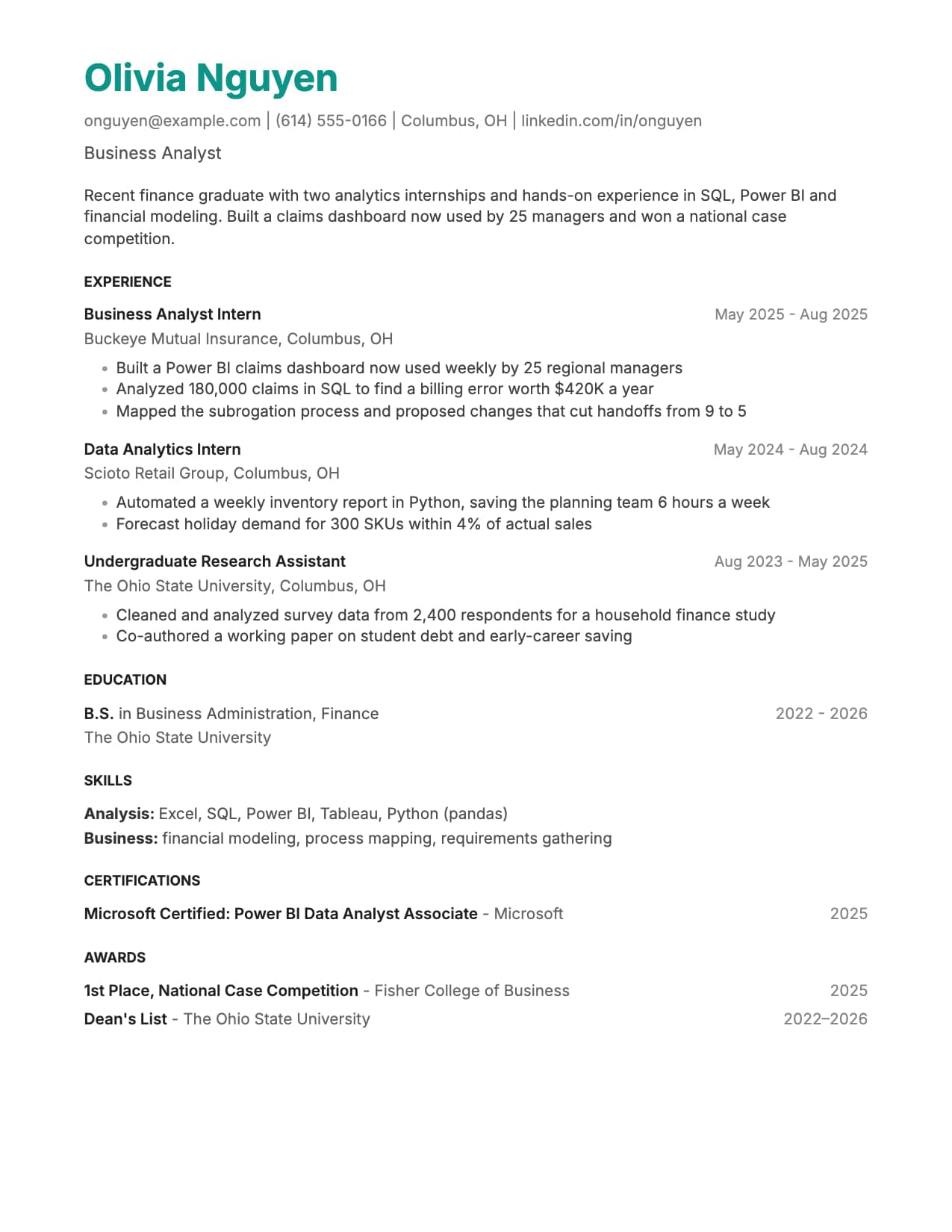
Minimal ATS Resume Template
Zero parsing errors. Maximum whitespace with full ATS compliance.
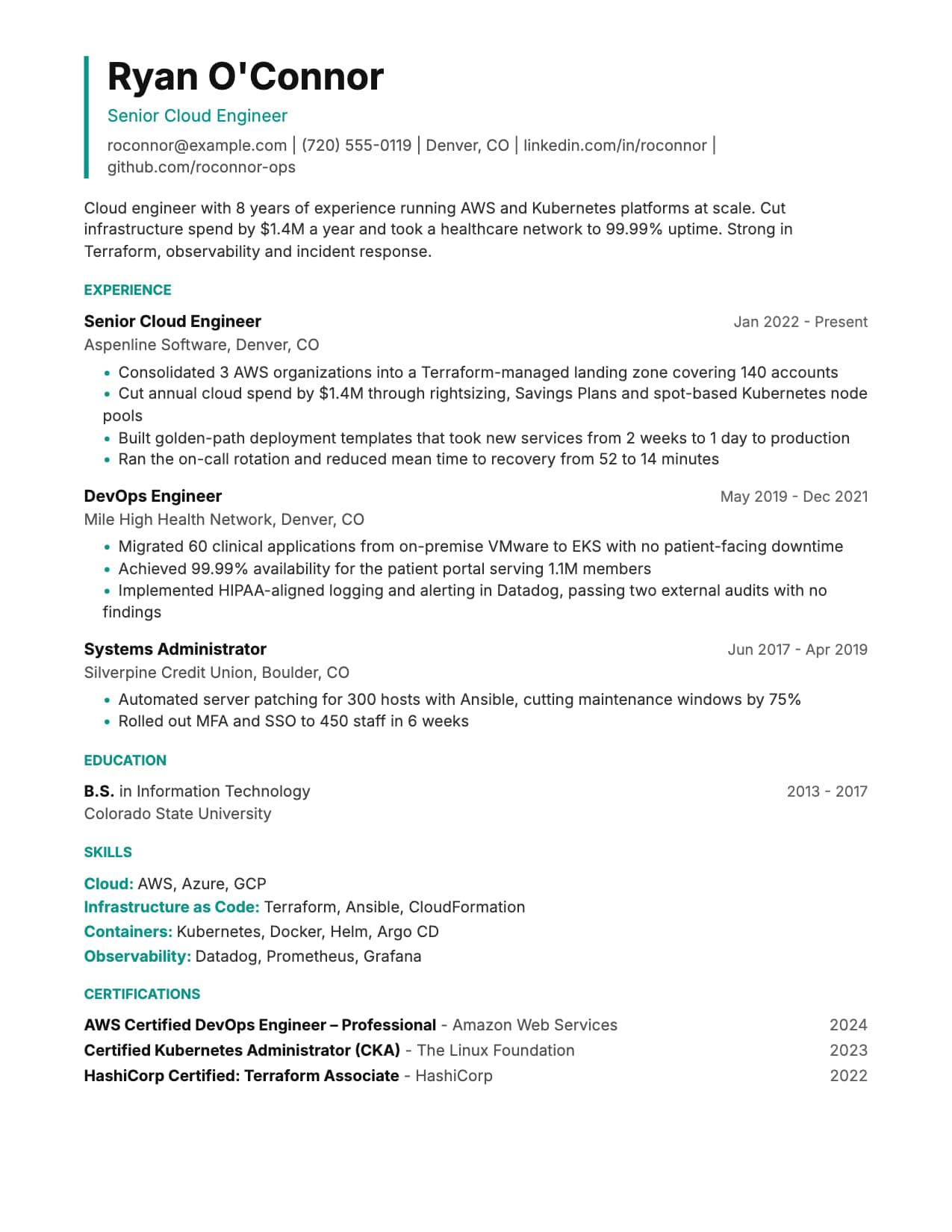
Sharp ATS Resume Template
Bold and modern, passes ATS while looking more contemporary than Classic.
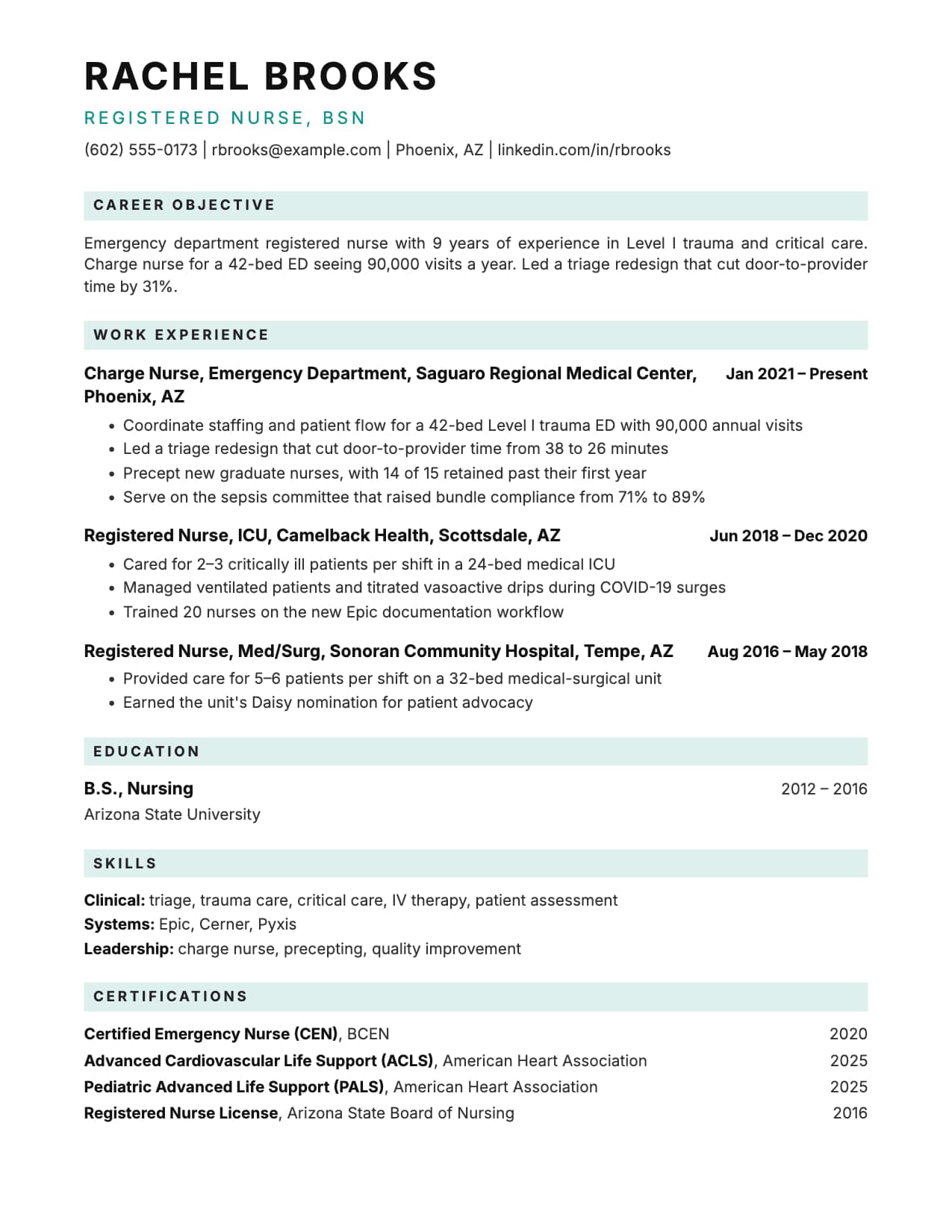
Classic Serif ATS Resume Template
Formal and ATS-safe. Grey section bands with elegant serif for traditional industries.
Build your resume with Classic for free
Upload your existing resume or start fresh. ATS score included. No credit card required.