
Applying Through Workday: How to Make Your Resume Parse Correctly
If you have applied to a large American employer recently, you have met Workday: the portal that asks you to upload a resume, then presents a multi-page form pre-filled with what it extracted, often with your job titles in the wrong fields and your dates missing. Candidates blame themselves, spend twenty minutes retyping, and still wonder whether the recruiter sees the garbled version or the fixed one.
This guide explains what Workday's parser is doing, which resume layouts it reads well, and how to verify your application before submitting.
What Workday Actually Does With Your Resume
Workday Recruiting stores the uploaded file and separately parses it into structured fields: name, contact details, each work experience entry (employer, title, start and end dates, location, description), education entries, and skills. The parsed fields populate the candidate profile the recruiter searches and filters. The original file is attached and can be opened, but recruiters filtering by title, years or skill are querying the parsed data, not the PDF.
So a badly parsed resume has two problems: the form you must correct, and a profile that may already be wrong in the fields recruiters search.
Layouts That Break the Parser
Workday's parser (like most) reads text in the order it appears in the file and looks for recognisable patterns: a line that looks like a job title followed by a line that looks like a company and a date range. Anything that disrupts that order confuses it.
- Two-column layouts. Text is read across the columns or one column at a time, so dates from a sidebar land in the wrong job or nowhere.
- Tables. Cells are read in an unpredictable order. A table used to align dates on the right is the most common single cause of missing dates.
- Text boxes and headers. Contact details placed in the document header of a Word file are often not read at all.
- Icons and graphics. A phone icon instead of the word "Phone" removes the label the parser uses to identify the number.
- Non-standard headings. "Where I've Worked" is not recognised as an experience section. "Experience" or "Work Experience" is.
- Dates in unusual formats. "Summer 2024" and "2023 to now" parse worse than "Jun 2024 – Aug 2024" and "Mar 2023 – Present".
Layout That Parses Cleanly
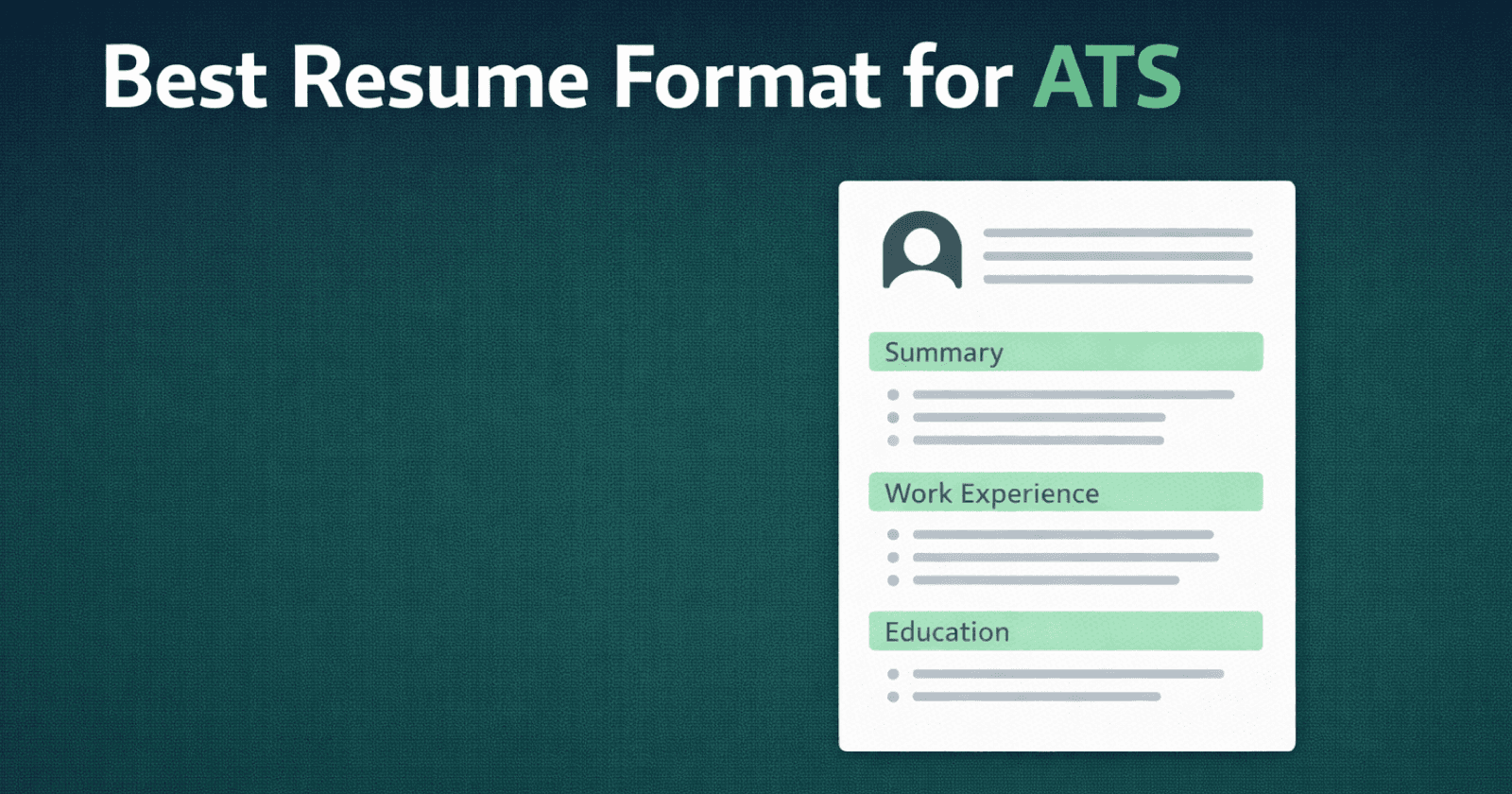
- Single column, Letter size, standard margins.
- Contact details in the body of the document, not the header, each on its own line or separated by pipes.
- Section headings in plain words: Summary, Experience, Education, Skills, Certifications.
- Each job as: Job Title on one line, Company, City, State on the next, then the date range on its own line or at the end of the company line, then bullets.
- Month and year dates, consistent throughout.
- Bullets as real bullet characters, not symbols or images.
- PDF exported from Word or Google Docs, or a DOCX. Not a scan, not a design-tool export with text converted to outlines.
The ATS format guide goes deeper on the design choices that silently break parsing.
The Verify-and-Fix Routine
- Upload the resume and let Workday parse it.
- Read every pre-filled field before moving on. Do not trust the "looks about right" impression; check each job's title, employer, dates and location.
- Correct every error in the form. The parsed fields, not the file, are what recruiters search.
- Where Workday adds a "skills" field, add the tools and technologies from the posting that you genuinely have. This field is searchable.
- Answer the screening questions accurately. Work authorisation and minimum qualification questions are commonly configured as knockouts.
- Before submitting, review the summary page. It shows the profile the recruiter will see.
If the same fields are wrong every time, the layout is the cause. Fix the file and re-upload rather than retyping on every application.
Test Before You Apply
You can see roughly what Workday will extract by running the file through a free ATS resume checker, which shows the parsed fields as well as a score. If the checker reads your dates and titles correctly, Workday almost certainly will. If it does not, fix the layout first.
Fields Workday Cares About That Resumes Often Omit
- Location per job. Many resumes list a city only in the contact block. Add city and state to each role.
- End dates. "Present" is fine; a missing end date is often parsed as a one-day job.
- Employer names as registered. "Google" parses; "Google (Alphabet Inc.)" sometimes splits.
- Degree and field separately. "BS, Computer Science" parses into two fields; "Computer Science degree" may not.
Reusing Your Workday Profile
Workday installations are per employer, so a profile at one company does not carry to another, although "autofill from LinkedIn" and "autofill from resume" both exist. Keep one clean, parse-friendly master resume and use it everywhere; the ten minutes you save per application add up across a job search.
Templates That Parse Cleanly
Harvard Resume Template: the single-column academic-standard layout and the most downloaded template on CVEdge. Set it to Letter and it is the safest US default.
Classic Resume Template: standard headings, no graphics, parses cleanly in Greenhouse, Workday, Lever and iCIMS.
Executive Resume Template: for senior candidates who need the summary and leadership scope to land before the role history.
Related Guides
Frequently asked questions
Does the recruiter see my uploaded resume or the parsed version?
Both exist, but recruiters search and filter on the parsed fields. A recruiter filtering for candidates with five years in a title will never open your PDF if the parsed dates say two years.
Why does Workday put my job title in the company field?
Its parser expects title first, then company and dates, on separate lines. If your resume puts the company in bold above the title, or both on one line separated by a comma, the parser guesses. Reorder to title, then company, then dates.
Should I retype everything instead of uploading?
Upload, then correct. Manual entry alone leaves the resume attachment empty, and some recruiters open it. Uploading a clean file gives you both a correct profile and a readable document.
Is Workday the same as an ATS?
Workday Recruiting is one of the major applicant tracking systems, alongside Greenhouse, Lever, iCIMS and Taleo. The parsing advice here applies to all of them; Workday is simply the one where candidates see the parsed result most directly.
Next Step
Upload your resume to the free ATS resume checker to see what an employer's system extracts from it, then fix the gaps before you apply.