
Applicant tracking systems attract more myth than almost any other part of hiring. The common story (that a robot reads your CV, scores it, and auto-rejects you below a threshold) is mostly wrong, and believing it leads people to optimise for the wrong things. Here is what actually happens after you click apply.
What an ATS actually is
An ATS is a database with a workflow attached. Its primary job is administrative: store applications, track candidates through stages, keep records for compliance, and let recruiters search and filter. Systems like Workday, Greenhouse, Lever, iCIMS and Taleo are fundamentally organisational tools, not judges.
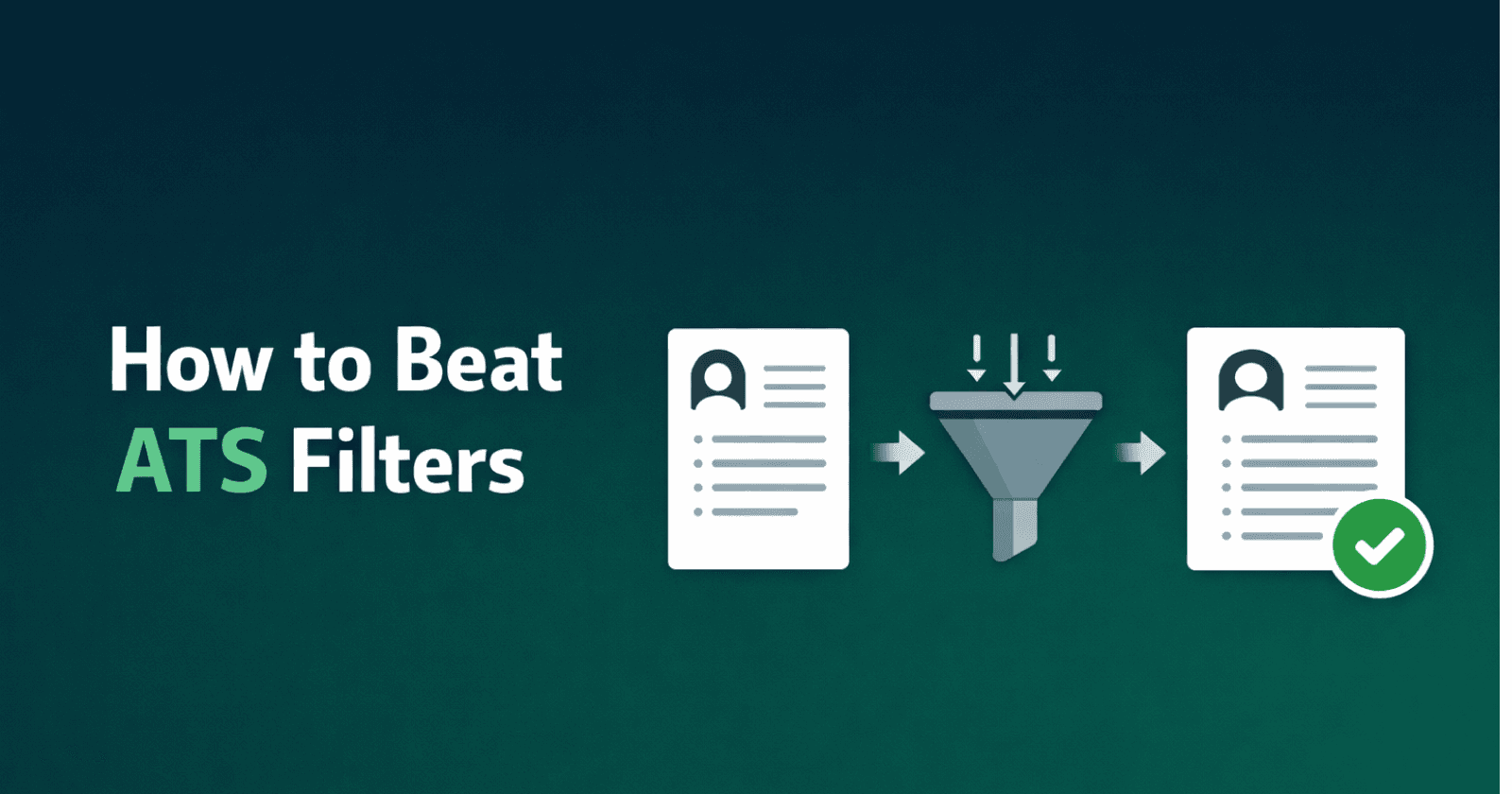
This distinction matters because it changes where your effort should go. Most systems are not scoring you against a threshold and rejecting you automatically. What they are doing is deciding whether you appear in the recruiter's search results, which has a similar practical effect and a completely different fix.
Step 1: parsing
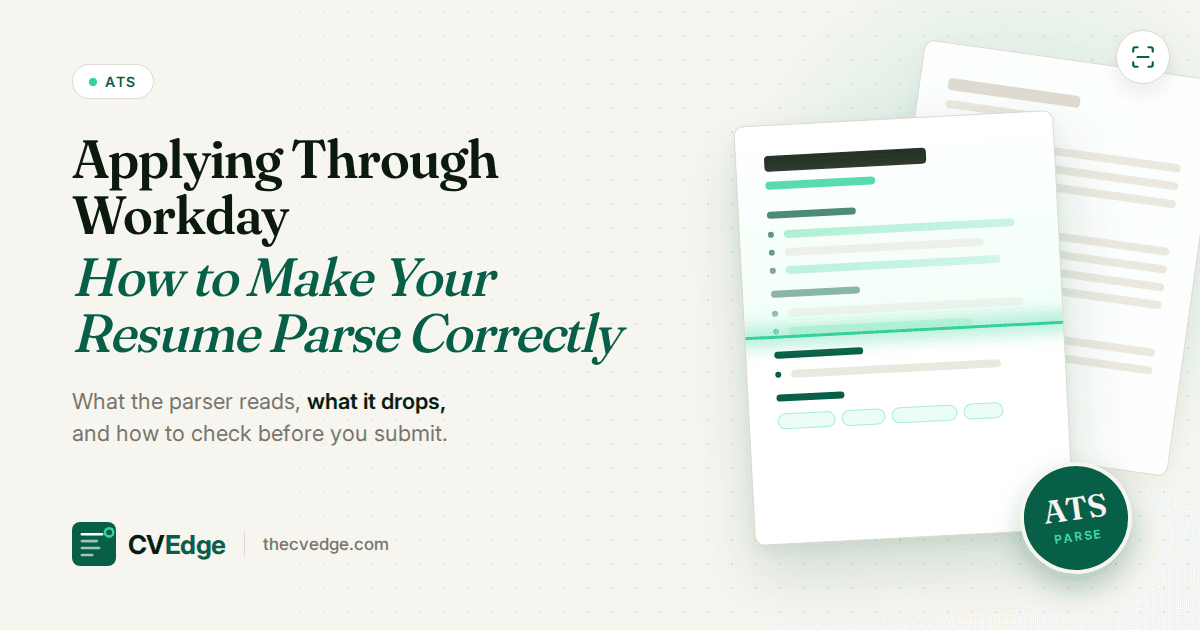
Your document is converted into structured data: name, contact details, employment history with dates and titles, education, skills. This is the step where formatting causes real damage.
Parsers work by recognising conventional patterns. Standard headings, a linear top-to-bottom reading order, and text that is actually text all parse reliably. What breaks: contact details in a document header (sometimes not extracted at all), multi-column layouts built with tables (which can interleave unrelated lines), skills shown as icons or rating bars (no text to read), and any CV submitted as an image.
Parsing failures are the most consequential problem in the pipeline precisely because they are invisible. Your CV looks perfect on screen while the record behind it is missing your phone number or has your job titles scrambled.
Step 2: knockout questions
This is where genuine automatic rejection does happen, not from your CV, but from the application form. Questions like "Are you legally authorised to work in this country?", "Do you have 5+ years of experience with X?", or "Are you willing to relocate?" can be configured to reject immediately on the wrong answer.
These are worth taking seriously because they are absolute in a way that CV screening is not. Answer them accurately and carefully; a careless answer here ends the application regardless of how strong your CV is.
Step 3: search and ranking
Here is the part most people get wrong. In the large majority of cases, a recruiter opens the system and searches (by keyword, title, location, or a saved filter) and works through the results. Your CV is not being scored in isolation; it is competing for visibility in a search.
This reframes the keyword question usefully. Keywords matter not because a robot assigns you points, but because they determine whether you surface when a recruiter searches "Kubernetes" for a platform role. If your CV describes the work without ever naming the technology, you may simply not appear in the result set.
Some systems do offer ranking or match scoring, and larger companies with high application volume use them more. Even then, these usually rank and surface rather than reject outright.
Step 4: human review
A recruiter looks at the CVs that surfaced. Multiple eye-tracking studies over the past decade have put the initial scan in the range of a few seconds. The widely cited figure is around six to eight seconds, and while the precise number varies by study and methodology, the general finding is robust: the first pass is very fast and pattern-based.
In that scan, attention concentrates on your most recent title and company, dates and any gaps, and whether the top of the page signals relevance to the role. This is why the top third of page one carries disproportionate weight, and why a summary that immediately states your specialisation and level outperforms one that opens with generic ambition.
What ATS does not do
Several persistent myths are worth dismissing:
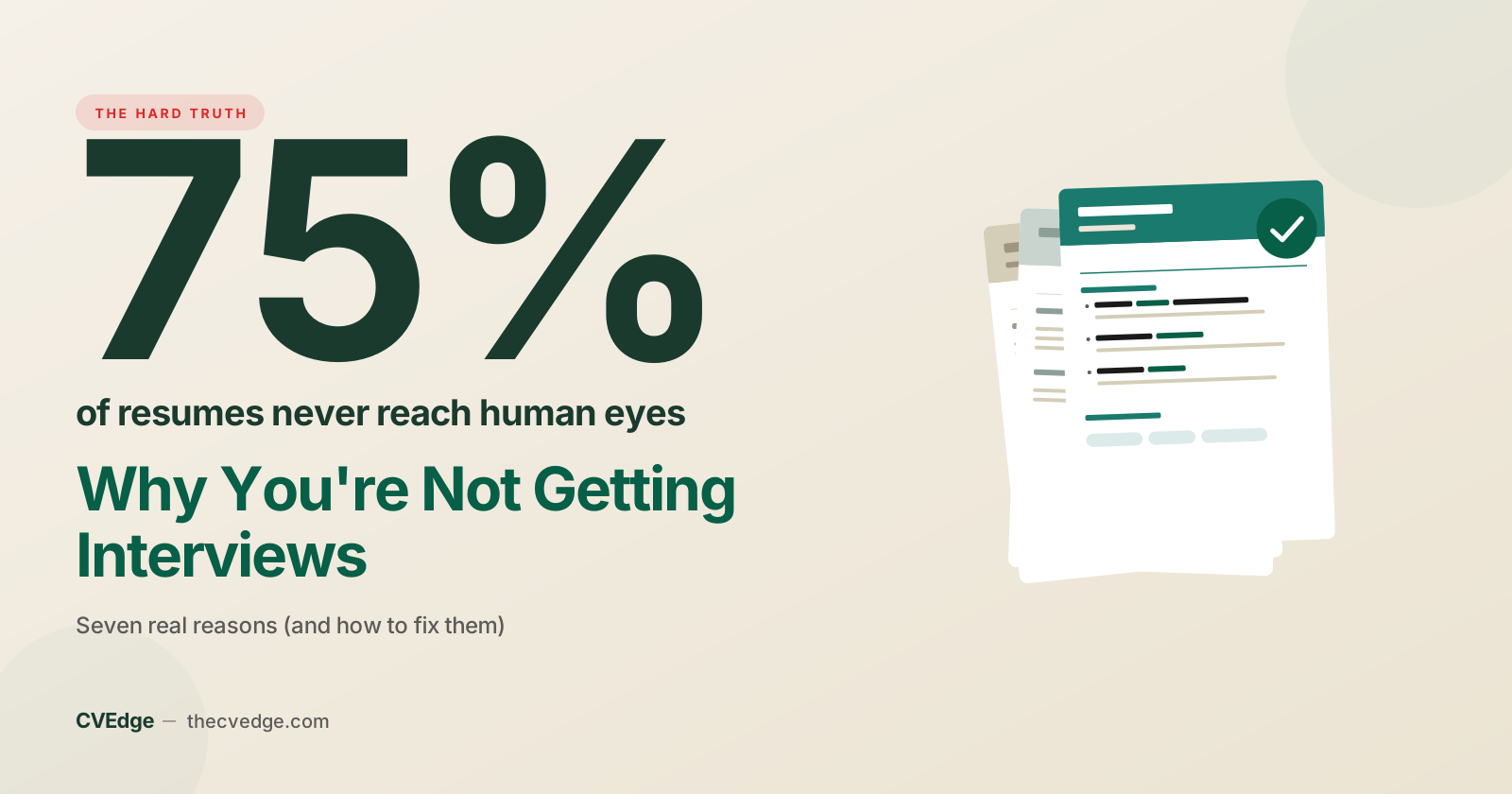
- It does not reject 75% of CVs automatically. This statistic circulates constantly and traces back to vendor marketing rather than research. Most rejection is human.
- It is not defeated by white-text keyword stuffing. Hidden text is extracted as normal text and reads as obvious manipulation to the human who then sees it. This tactic gets applications binned.
- It does not require a plain, ugly CV. It requires a parseable one. Clean single-column designs with real text can be visually attractive; what breaks is tables, headers, images and columns, not styling.
- It does not read your cover letter as a filter. Cover letters are usually stored and read later by a human, if at all.
Where applications actually fail
In rough order of frequency:
- Genuine mismatch. The unglamorous leading cause. Most rejections are because the application was not competitive against the field, not because of formatting.
- Invisibility in search. Relevant experience described in vocabulary that does not match how recruiters search.
- Parsing damage. Formatting choices that corrupt the structured record.
- Knockout answers. Form questions answered in a disqualifying way.
- Weak first impression. Surviving to human review but failing the six-second scan because the top of the page does not establish relevance.
What this means practically
Optimise for two readers, in this order. Make the document machine-readable: single column, standard headings, contact details in the body, real text, PDF. Then make it convincing to a human: a summary that states what you specialise in and at what level, bullets with results, and the most relevant material in the top third of page one.
Those two things together handle everything an ATS genuinely does, and they leave you with a CV that also works when it reaches a person, which is where the actual decision gets made.
See what the parser sees
The fastest way to find parsing problems is to look at the extracted output rather than the design. Upload your CV to CVEdge for a free breakdown of how it parses, which sections are recognised, and what a recruiter's search would find.
Frequently asked questions
Does an ATS reject resumes automatically?
Only through knockout questions on the application form. Otherwise it parses, stores and ranks; rejection happens when a recruiter never opens a low-ranked or badly parsed resume.
What does an ATS look for first?
Parseable fields: name, contact details, job titles, employers, dates, education and skills. Then the recruiter's search terms, which are usually the posting's key skills and titles.
Can an ATS read a PDF?
Yes, if the PDF contains real text. Scanned images, text in graphics and some two-column layouts parse badly. Check by uploading the file to a free ATS checker.
Where do most applications actually fail?
At the search and ranking stage: the resume parsed but did not contain the terms the recruiter searched for, or ranked below the twenty or so they had time to open.