

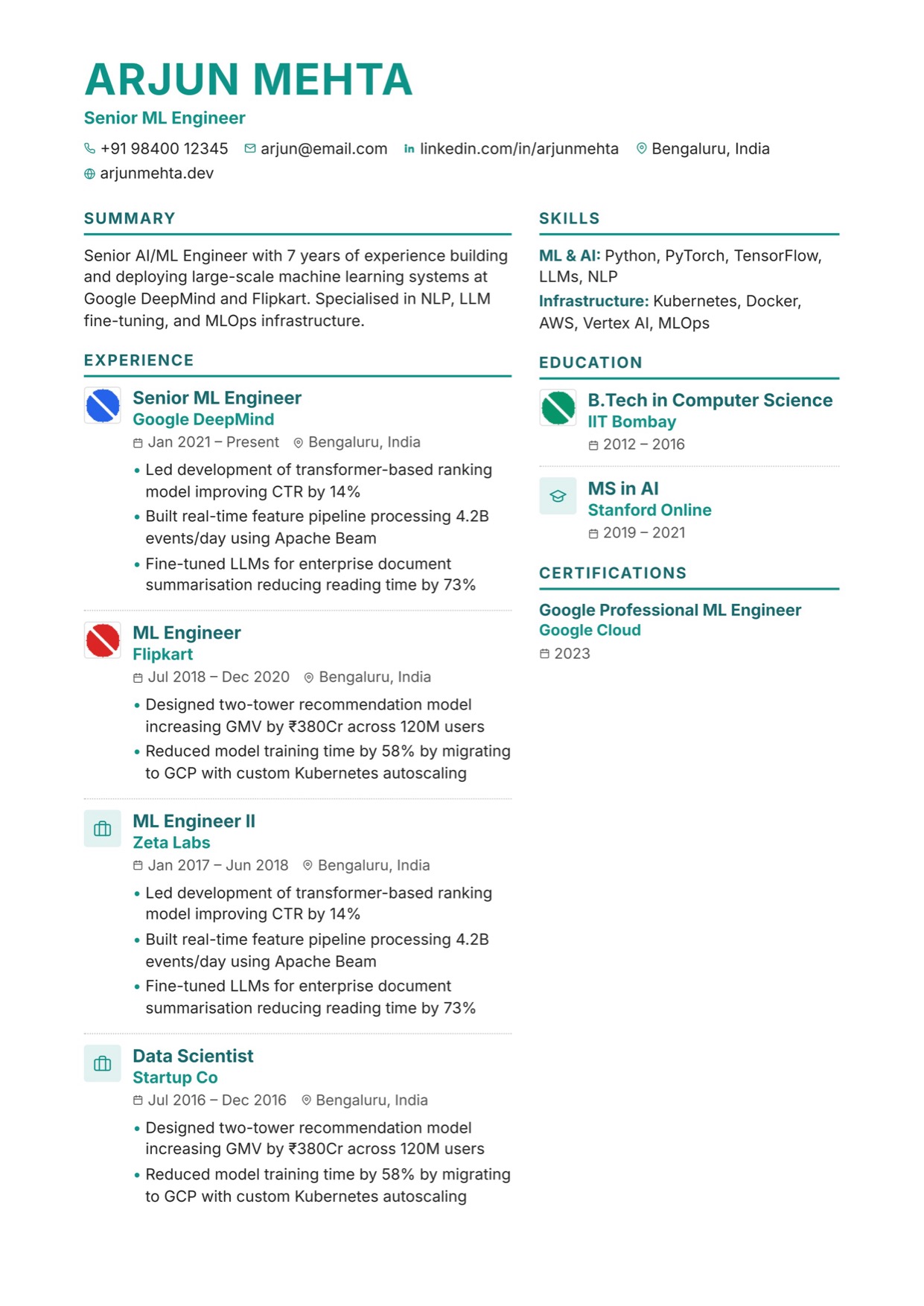
Vantage Resume with Company Logos
Two columns with a logo beside every role. Career progression you can see at a glance.
No credit card · No watermarks · Switch templates any time
About this template
Vantage puts a small logo tile next to each experience and education entry, so a reader scanning the page sees the shape of a career before reading a word: the brands, the schools, the trajectory. Upload a logo per employer in the Content tab; entries without one fall back to a neutral icon tile, so the column always lines up.
The rest of the layout is built for dense, senior CVs. A wide left column carries the summary and experience with a dotted separator between roles; the right column holds Strengths (your awards section), a chip-style skills list, education and certifications. Headings sit on a 2px accent rule that follows your chosen colour.
It is a two-column layout, so it is best suited to direct applications, recruiter submissions and LinkedIn-first hiring where a human reads the PDF. Most modern ATS handle it, but for high-volume portal applications keep a single-column export such as Sterling alongside it.
Logos are stored inside your CV, resized to 128px, and exported in the PDF, so the file you send is self-contained.
Who is this template for?
- Experienced professionals with recognisable employers
- Investment banking, consulting and product leaders
- Candidates whose progression across companies is the story
- Anyone applying via recruiters or direct email
Start with this template — free
Upload your existing CV or start from scratch. CVEdge pre-fills your content into the template and gives you an instant ATS score.
Questions about this template
Where do I add company logos?+
Open the Content tab, expand an experience or education entry and use the Logo control. It accepts PNG, JPG or SVG up to 2 MB and resizes it to a 128px tile. The control only appears while Vantage is your active template.
Will the logos appear in the exported PDF?+
Yes. Logos are saved with the CV as small embedded images and render in the PDF exactly as in the preview.
Template features
- Per-entry employer and school logo upload
- Default icon tile keeps alignment when a logo is missing
- Strengths block turns awards into a headline section
- Underline-chip skills list
- 2px accent rules under every heading
More experienced professionals templates
View all
Executive Resume Template
Built for twenty years of career on two pages — premium spacing and a summary that leads, on a single ATS-safe column. Free to edit online, or download as Word or PDF.
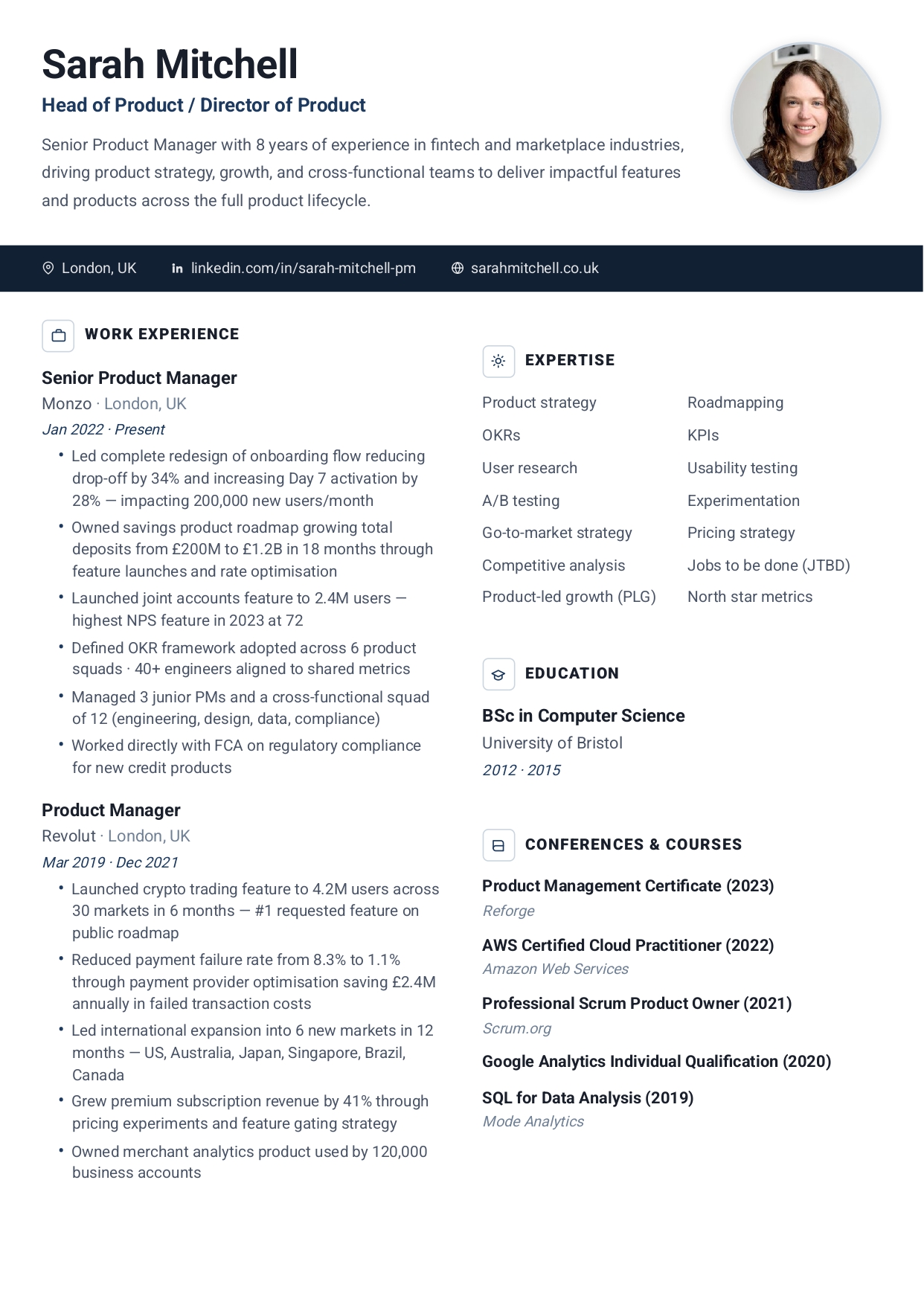
Executive Pro Resume Template
Bold photo header with dark contact bar. Leadership presence from the first line.
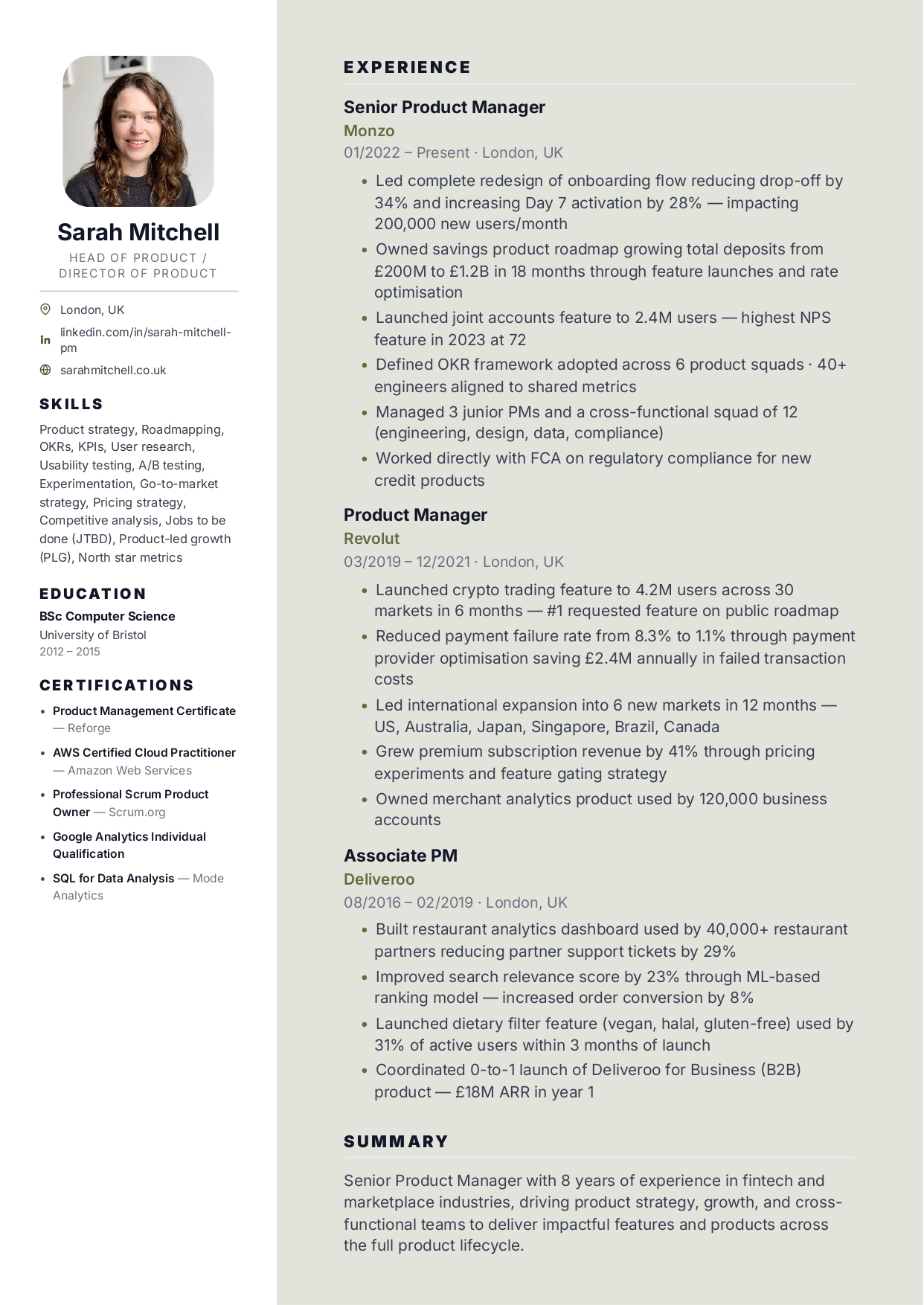
Executive Sidebar Resume Template
Dark sidebar with photo. Corporate and legal feel for senior roles.
Build your resume with Vantage — free
Upload your existing CV or start fresh. ATS score included. No credit card required.