
Resume builders fall into three groups that solve genuinely different problems, and most comparison articles muddle them together. Some are design tools: they give you a good-looking document quickly. Some are analysis tools: they tell you what is wrong with the document you already have. A few try to do both. Picking well starts with knowing which problem you actually have.
We build one of the tools on this list, so read our own entry with that in mind. We have tried to be specific about where the others are genuinely better.
First: which problem do you have?
If you have no CV, or one so old it needs starting over, you have a construction problem and you want a builder with good templates and a fast editor.
If you have a CV that is not getting responses, you have a diagnosis problem, and a template will not help you. You need something that tells you what is failing: parsing, keyword coverage, or the content itself.
Most people applying unsuccessfully have the second problem and buy a tool for the first, which is why so many people end up with a beautifully formatted CV that performs exactly as badly as the old one.
The comparison
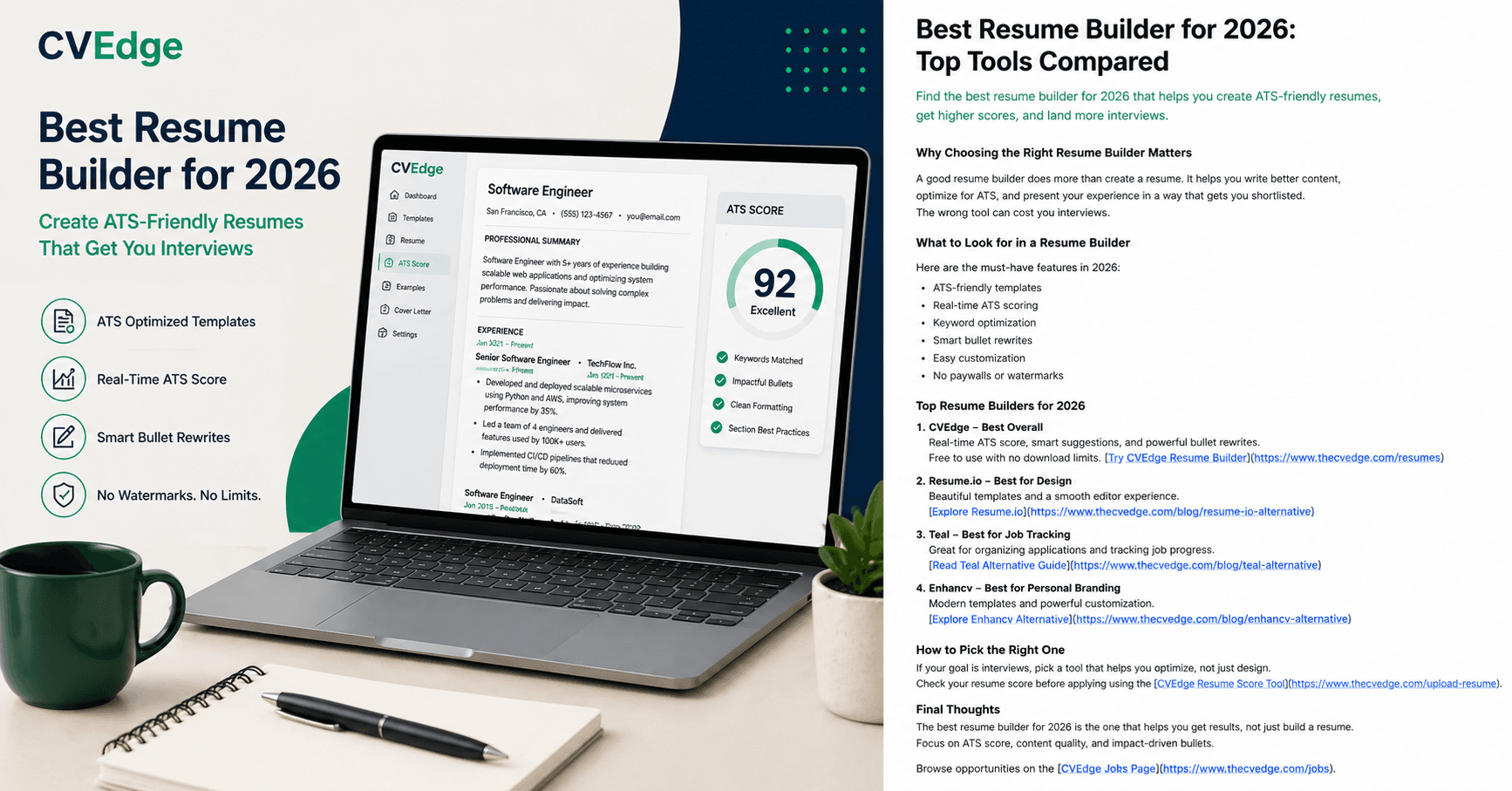
CVEdge
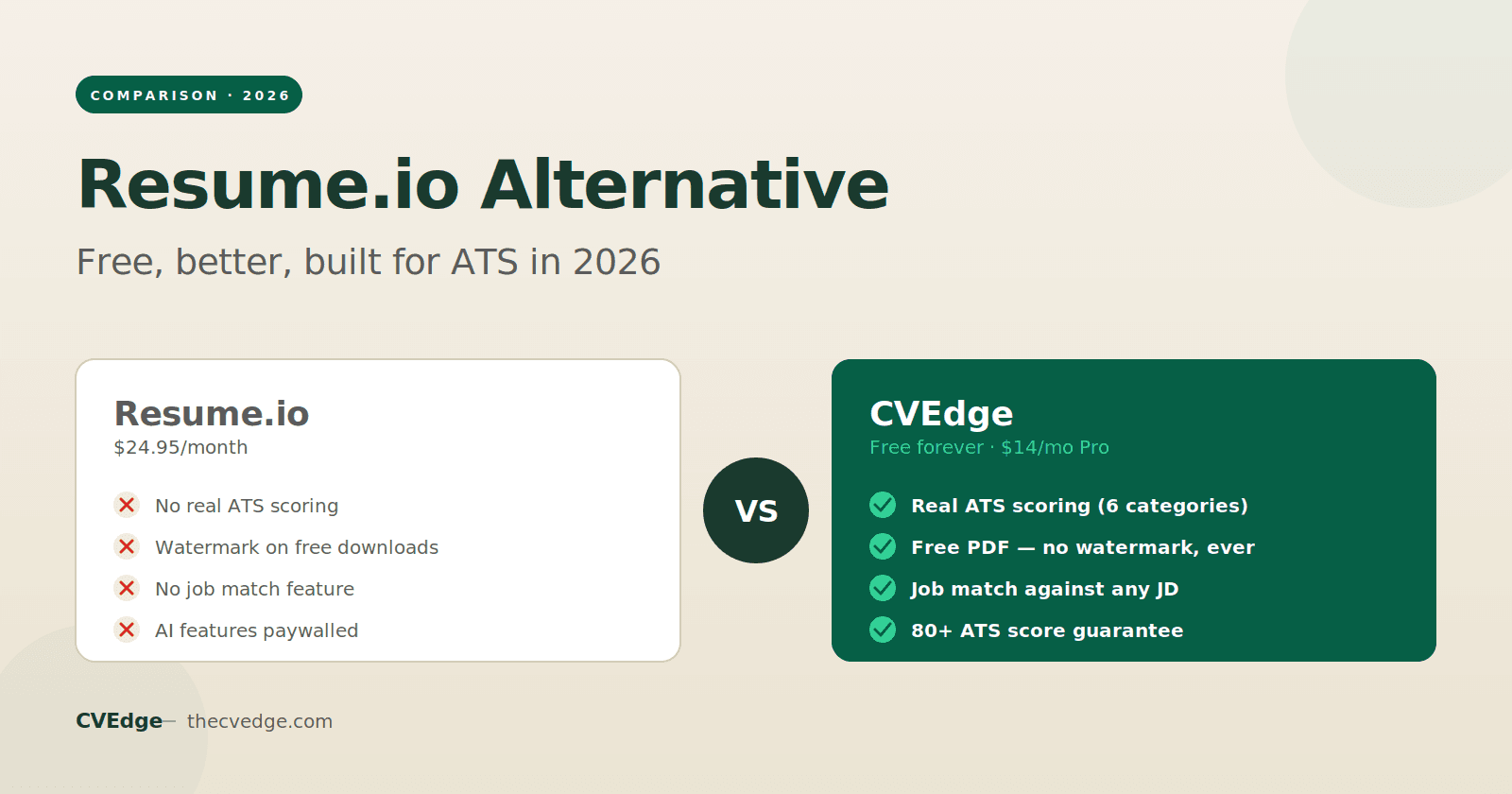
Analysis-first, with a builder attached. Scores your CV across six categories, shows the specific issues behind the score, and rewrites bullets from what you actually wrote rather than generating claims from your job title. Free tier includes ATS scoring, the full issue breakdown, twenty-four templates and PDF export without a watermark.
Where it is weaker: the template library is smaller than the design-led tools, and if what you want is a visually distinctive creative CV, several tools below do that better. The AI rewriter deliberately inserts [X] placeholders instead of inventing metrics, which is the right behaviour but means more work for you.
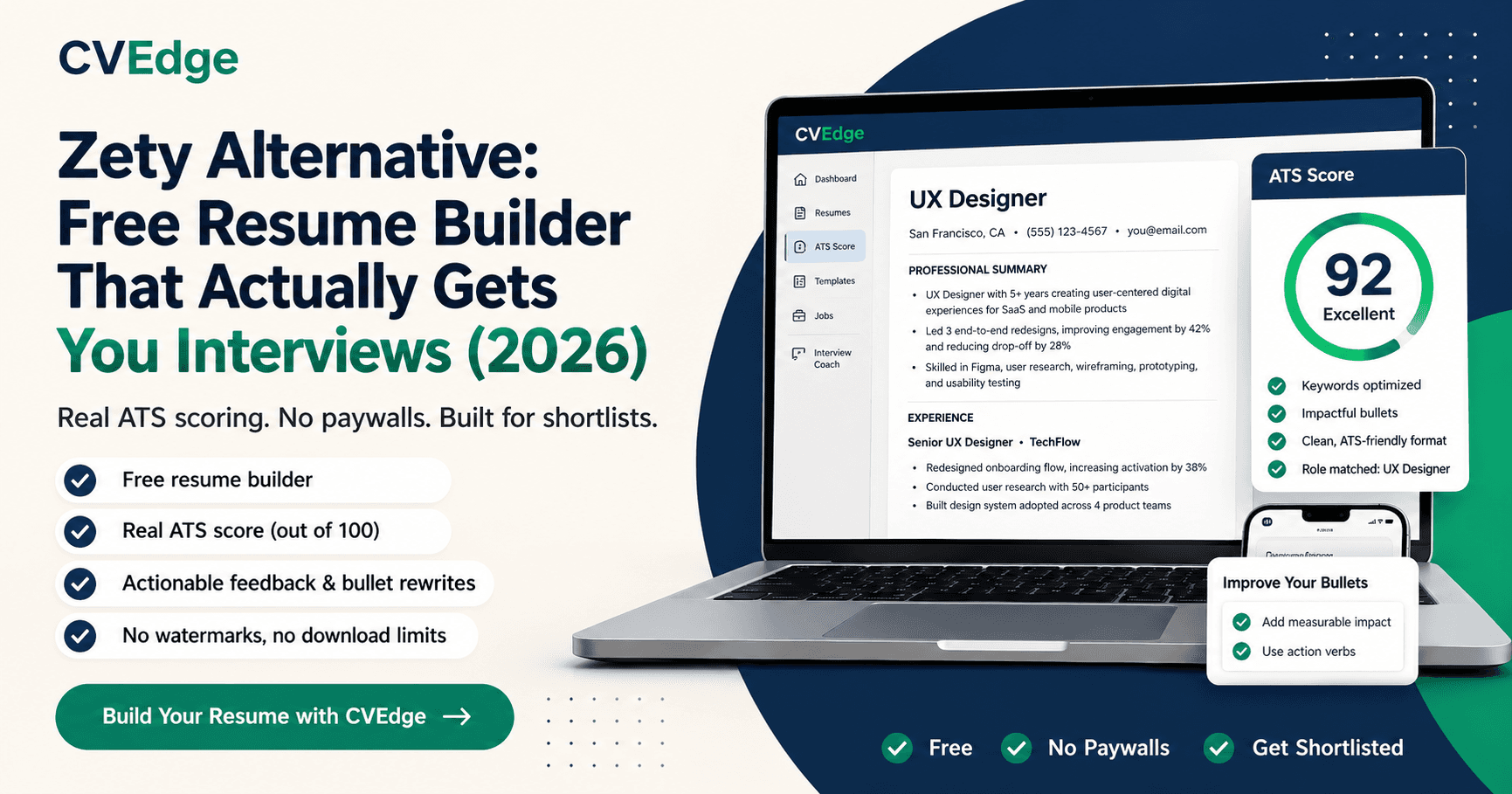
Zety
Design-led. Strong templates, a genuinely pleasant editor, and pre-written content suggestions by job title that are useful as a starting point when you are staring at a blank page.
Where it is weaker: you build free and pay to download, which people regularly discover at the end of the process. ATS feedback is light. It checks structure more than substance. The content suggestions are generic by construction, and a CV assembled from them reads like one.
Teal
Job-search management. The strongest tool on this list for tracking applications: a browser extension that saves postings, a pipeline view, and per-job CV versions. If you are running thirty live applications, this is the one that stops you losing track.
Where it is weaker: it manages your search better than it improves your CV. Matching and analysis exist but are not the depth of a dedicated checker, and the free tier limits how much of the analysis you can see.
Resume.io
Fast and polished. Probably the quickest path from nothing to a professional-looking PDF. The editor is clean and the output is consistently good-looking.
Where it is weaker: subscription required to download, and it is a construction tool with little diagnostic depth. If your CV already exists and is not working, this will make it prettier and no more effective.
Enhancv
Personal branding. The most distinctive output of any tool here: custom sections, personality-led layouts, room to present yourself as more than a job history. Genuinely good for design, brand and creative roles where the CV is itself a work sample.
Where it is weaker: the layouts that make it distinctive are also the ones most likely to parse badly, particularly the multi-column and infographic styles. For a corporate or high-volume application process, that is a real risk.
Kickresume
Beginner-friendly. A large library of filled-in example CVs by role, which is the fastest way to understand what a finished CV in your field looks like when you have never written one. Good for students and career changers.
Where it is weaker: examples are a floor, not a ceiling. Following one closely produces a competent, unremarkable CV, and the optimisation tooling is thin.
Resume Worded
Feedback-focused. Line-by-line scoring with specific critiques of individual bullets, plus a LinkedIn review. The feedback is often sharper and more granular than the competition.
Where it is weaker: it critiques more than it builds (you will be editing your CV somewhere else), and the free tier is limited enough that serious use means paying.
What most of these get wrong
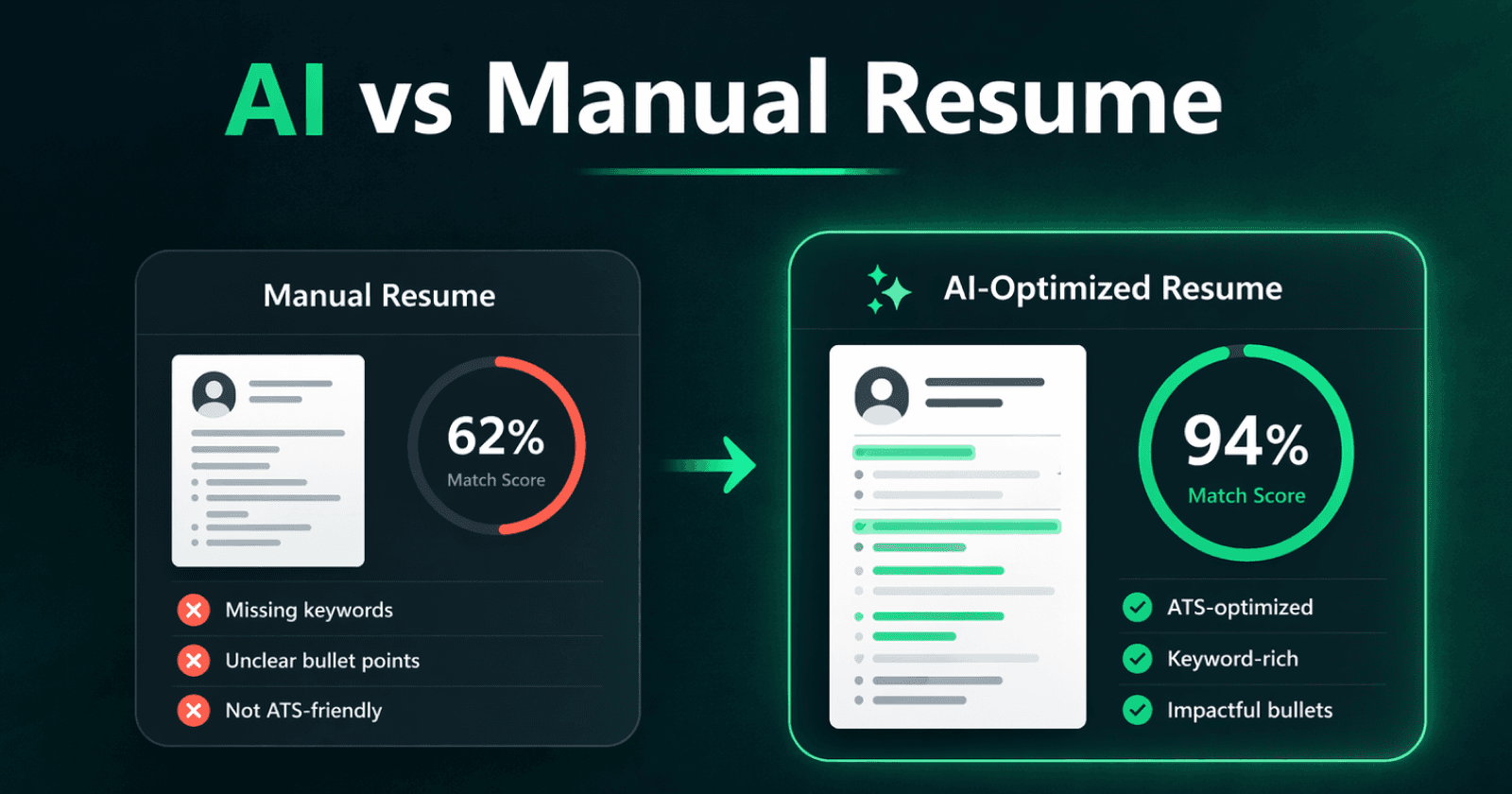
The common failure across the category is optimising appearance and calling it optimisation. A tool that checks whether you have a skills section, whether your bullets start with verbs, and whether the document is one page can return a high score for a CV that says nothing specific about what you achieved. Structural checks are easy to automate; judging whether your experience is compelling is not, and no current tool does it well.
The second failure is fabrication. Several builders will generate achievements from a job title, producing plausible-sounding accomplishments you never had. These read fine on the page and fall apart in the interview, because interviewers ask about numbers specifically. Any tool that writes your experience for you is handing you a liability.
How to choose
- No CV yet: a design-led builder (Resume.io, Zety or Kickresume) to get to a solid first draft fast.
- CV exists but gets no responses: an analysis tool first. Find out whether the problem is parsing, keyword coverage or content before you redesign anything.
- Running many applications at once: Teal, for the tracking alone.
- Design or creative role: Enhancv, with the caveat that you should check the output parses and keep a plain version for portals.
- Want detailed line-level critique: Resume Worded.
Whichever you use, the honest summary is that a tool can fix presentation, parsing and vocabulary. It cannot make a weak application competitive, and any tool promising otherwise is selling you something. If your CV accurately represents strong, relevant experience and still gets no responses, the problem is usually one of the first three, which is at least the good news, because those are the fixable ones.
You can check where yours stands with the free ATS checker without creating an account.
Frequently asked questions
What is the best free resume builder in 2026?
For an ATS-safe resume with a score and AI rewrites, CVEdge. For visual templates, Canva. For a plain document, Google Docs. The right choice depends on whether your problem is building a document or fixing one.
Are paid resume builders worth it?
Only if the paid feature solves your specific problem, such as unlimited job-description matching. Paying for templates alone is rarely worth it when free builders export without watermarks.
Which resume builders pass ATS?
Any builder whose single-column templates export as text-based PDF. Avoid templates with tables, sidebars or icons, whichever tool you use, and test the export with an ATS checker.
Do resume builders sell my data?
Policies vary. Read the privacy page; a builder that requires a card before download or emails aggressively is a signal to check carefully.